What Are Digital Products?
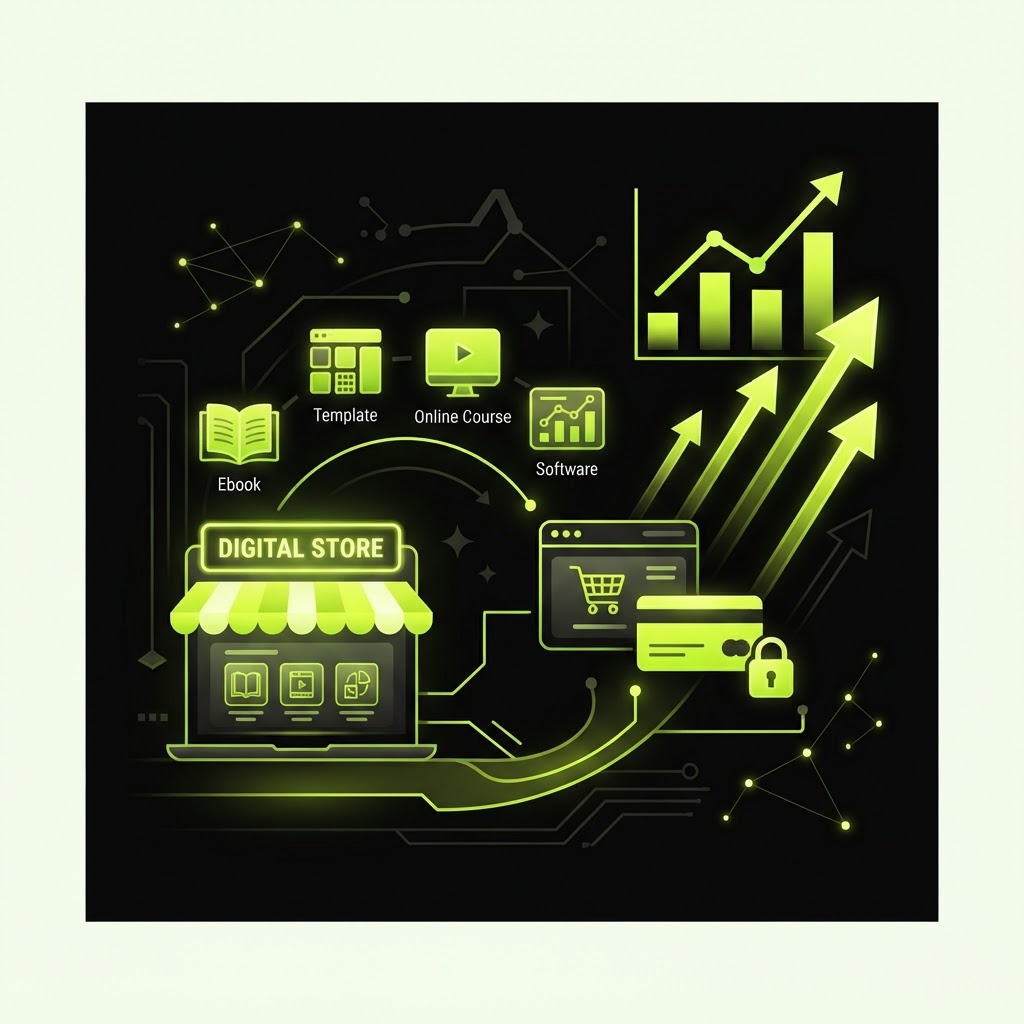
Digital products are files or resources that customers download or access online. Common types include:
- Ebooks and guides (PDF)
- Templates (Notion, Canva, Excel)
- Presets and filters (Lightroom, LUTs)
- Courses (video lessons)
- Printables (worksheets, planners)
- Software and tools (spreadsheets, scripts)
The advantage of digital products over physical ones is that there's no inventory, no shipping, and no manufacturing cost. You create it once and sell it infinitely.
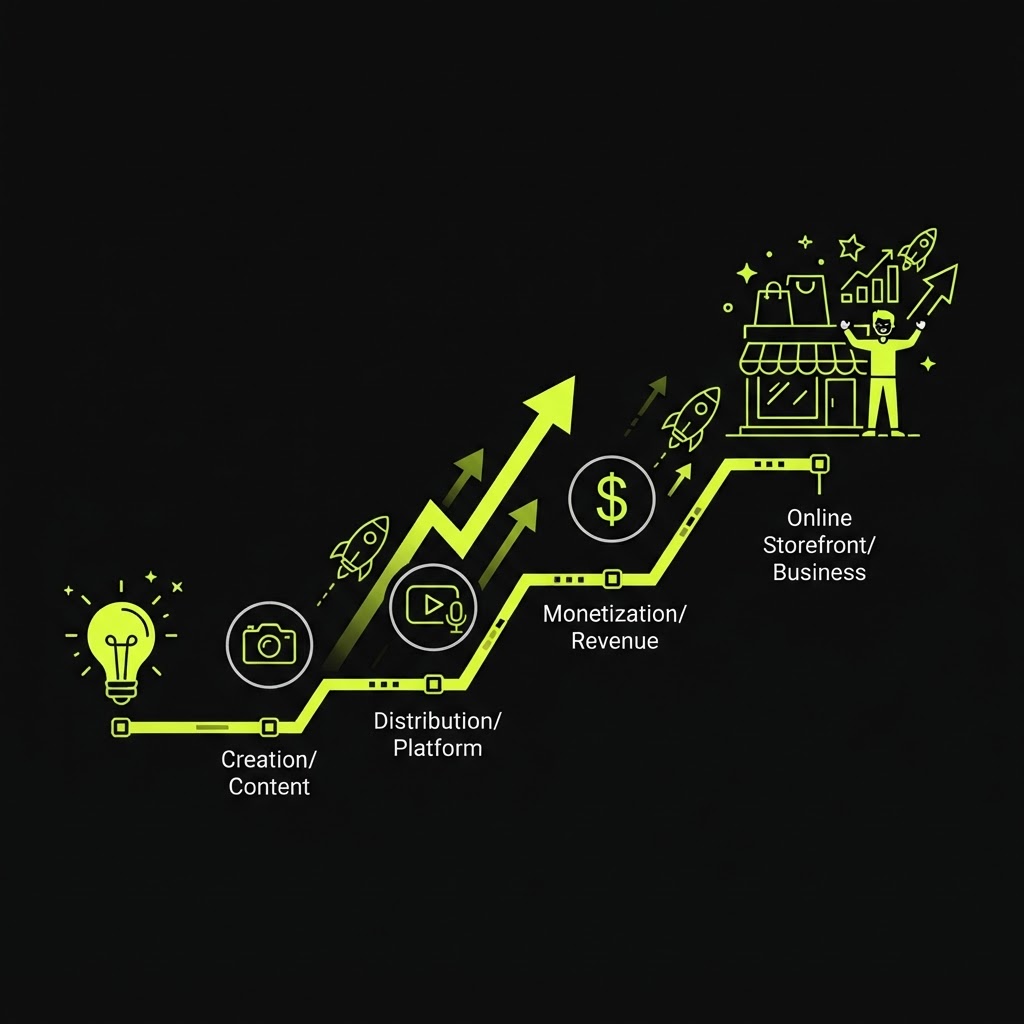
Step 1: Choose What to Sell
The best digital product solves a specific problem for a specific audience. Ask yourself:
- What does your audience ask you about most?
- What knowledge or skill do you have that others would pay for?
- What problem can you solve that people are already paying to solve?
For example, a fitness coach might sell a 12-week training program. A photographer might sell Lightroom presets. A business consultant might sell a strategy framework template.
Looking for a product idea? Kitzio Money Kits come with a done-for-you product idea, funnel, and marketing copy.
Step 2: Create Your Product
Once you know what to sell, create it. This doesn't have to be complicated:
- Ebooks: Write in Google Docs, export as PDF.
- Templates: Build in Notion, Canva, or Excel.
- Courses: Record videos with your phone or screen recording software.
- Presets: Edit in Lightroom and export the preset file.
The key is to start simple. Your first product doesn't need to be perfect — it needs to be useful.
Step 3: Set Up Your Storefront
You need a place to sell your product. Your options are:
- A dedicated storefront platform like Kitzio — gives you your own branded store URL, checkout, and product pages.
- A marketplace like Gumroad — you get a product page on their platform.
- Your own website — requires more setup and technical knowledge.
For most creators, a dedicated storefront platform is the best choice. You get:
- Your own branded URL
- Built-in checkout (no coding)
- Product pages you control
- Analytics to track sales
With Kitzio, you can build your storefront in minutes using the AI Store Builder — just describe your business and it generates your store.
Step 4: Price Your Product
Pricing digital products is part art, part science. Here are some guidelines:
- $5–$20: Entry-level products (single templates, short guides)
- $20–$50: Mid-range products (comprehensive guides, template bundles)
- $50–$200: Premium products (courses, complete systems)
- $200+: High-ticket products (coaching programs, done-for-you services)
Start with a price that feels fair, then adjust based on sales. You can always raise your price as you build social proof and testimonials.
Step 5: Set Up Payment Processing
To accept payments, you need a payment processor. Most platforms integrate with Stripe, which handles the checkout and payment securely.
With Kitzio, Stripe checkout is built in — you connect your Stripe account and buyers can pay with credit card, Apple Pay, or Google Pay.
Step 6: Drive Traffic to Your Store
Your storefront won't sell if nobody visits it. Here are the most effective ways to drive traffic:
- Social media: Share your store link in your bio and posts.
- Email list: Build an email list and promote your products to it.
- Content marketing: Write blog posts or create videos that attract your target audience.
- Affiliates: Let others promote your products for a commission.
Kitzio includes email marketing and an affiliate program built in — no separate tools needed.
Step 7: Get Your First Sale
Your first sale is the hardest. Here's how to get it:
- Tell your existing audience: Post about your product on social media, email your list, tell friends and family.
- Offer a launch discount: Create a discount code for 20–30% off to incentivize early buyers.
- Collect testimonials: Ask your first buyers for a review and feature it on your storefront.
- Run an email sequence: Set up a 3–5 email welcome sequence for new subscribers that introduces your product.
Common Mistakes to Avoid
- Overcomplicating your first product: Start simple. You can always improve and expand later.
- Pricing too low: Don't undervalue your work. If you solve a real problem, charge for it.
- No traffic plan: A storefront without traffic is a store with no customers. Plan how you'll drive visitors.
- Ignoring email: Email is still one of the highest-converting channels. Build your list from day one.
Ready to Start Selling?
The fastest way to start selling digital products is with an all-in-one platform that handles your storefront, checkout, email, and analytics.
Kitzio gives you all of that — plus AI tools to help you generate product ideas and sales copy. Start free and launch your first product today.
FAQ
Do I need a website to sell digital products?
No. A storefront platform like Kitzio gives you your own branded store URL without needing to build a website from scratch.
How much does it cost to start selling digital products?
With Kitzio's Free plan, you can start selling for $0/month (with a 5% platform fee per sale). Paid plans start at $29/month with 0% platform fees.
What's the best digital product to sell?
The best product is one that solves a problem you understand well. Ebooks, templates, and courses are the most popular starting points.
How do I deliver digital products to buyers?
Most platforms handle delivery automatically. With Kitzio, buyers get instant access to their download link after payment — no manual sending required.